Traffic Racer 3D
Shortcuts: Ctrl+P pause · Ctrl+M sound · Enter play again
Top players this week
Loading…
Resets every Monday (UTC).
About Traffic Racer 3D
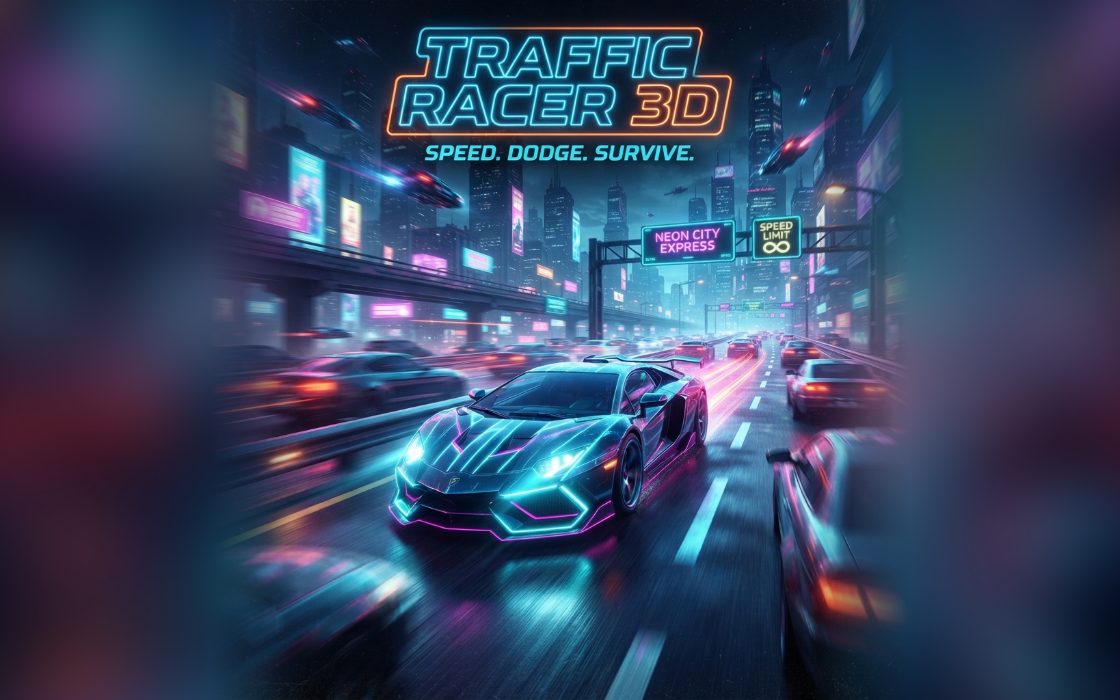
Traffic Racer 3D puts you behind a yellow car on a four-lane highway at sunset. Slower cars in red, green, purple and other colours drive ahead of you, and you weave between them while your speed gradually climbs. The road bends and the view is drawn in a pseudo-3D style, so cars grow as they come closer. One crash ends the run.
It suits players who enjoy driving games with simple rules, and sessions run two to five minutes. A good run builds a long distance, keeps the speed up, and earns plenty of close call bonuses by slipping narrowly past cars. Calm lane changes usually beat frantic ones as the traffic thickens.
How to play Traffic Racer 3D
- Hold left or right to move across the lanes while the car drives forward on its own.
- Look ahead for slower cars and choose an empty lane early.
- Brake with Down or S if you are closing in too fast. Your speed rises again when you release it.
- Pass close to a car without touching it to earn a Close call bonus.
- Avoid hitting any car. A collision ends the run and shows your final points.
Controls
| Keyboard and mouse | Hold the Left and Right arrow keys, or A and D, to steer. Hold Down or S to brake and slow down. |
|---|---|
| Phone and tablet | Press and hold the left or right half of the screen to steer, or use the on-screen arrow pad. The down arrow on the pad brakes. |
Scoring
You earn points for distance, roughly one point for every ten metres travelled, plus 15 points for each close call. A close call counts when you pass a car with a small gap beside you. A long run with several close calls gives the best total.
Tips and strategy
- Look far ahead, not just at the car in front. Pick your lane while the traffic is still small on screen, so you are not forced into sudden swerves.
- Cars in different lanes drive at different speeds. Notice which lane moves faster, and use it to overtake while slower lanes fill up.
- Braking drops your speed to a minimum but does not stop you. Tap it briefly to open a gap, then steer through before the car ahead pulls away.
- Close calls are worth 15 points, but only when you pass without touching. Skimming a neighbour is a good bonus, yet a bigger gap is safer when traffic is dense.
- Steering becomes more sensitive at high speed. Use short taps on the controls instead of holding the direction for a long time.
Traffic Racer 3D FAQ
▸Does the traffic get heavier?
Yes. Over time, your target speed rises toward a maximum and new cars appear more often, so the road feels busier the longer you last.
▸How do I earn a close call?
Pass a car at close range in the next lane, near enough to look risky but without touching it. A yellow Close call +15 message confirms it.
▸Can I go off the road?
The car stays within the road width, so you cannot leave it. The edges simply stop you from steering any further.
▸Is the speed shown in km/h?
Yes, a km/h readout appears on the right of the screen, and distance is displayed in metres at the top.