Minesweeper
Shortcuts: Ctrl+P pause · Ctrl+M sound · Enter play again
Top players this week
Loading…
Resets every Monday (UTC).
About Minesweeper
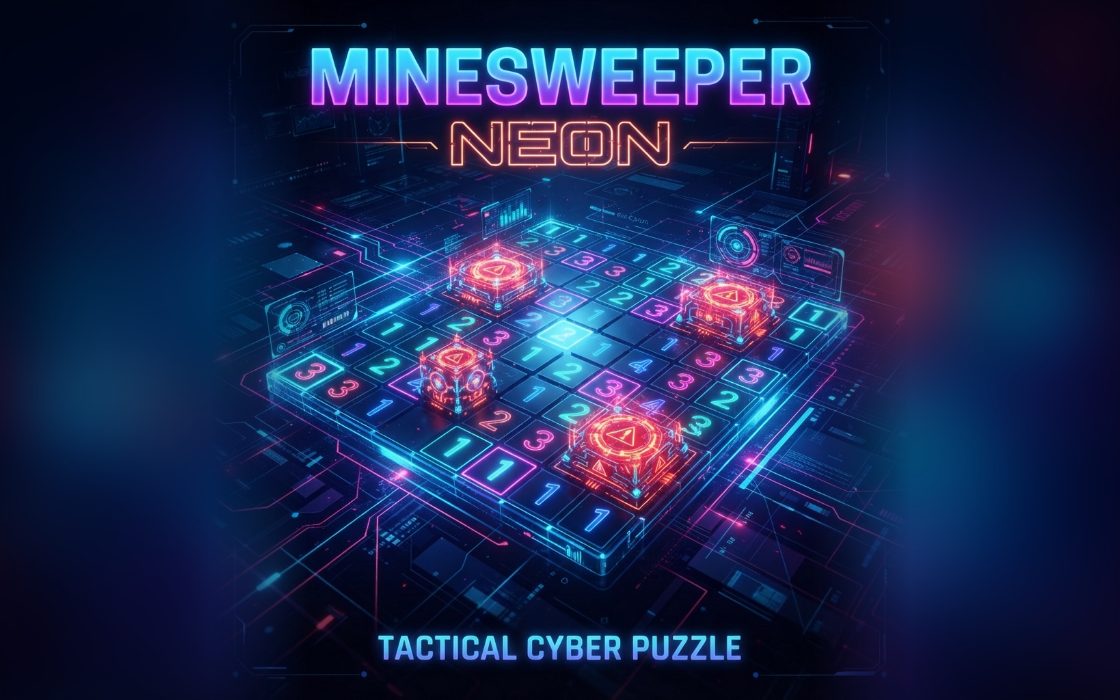
Minesweeper is the classic logic puzzle of clearing a field without touching any hidden mines. Each opened square shows a number, which tells you how many of its eight neighbours hold a mine. By reasoning from those numbers you work out which squares are safe and which are dangerous, then mark the dangerous ones with flags.
It suits patient thinkers and takes from three to ten minutes depending on the size. Easy, Medium and Hard boards are available. A good run opens the whole field without a guess after the first click, and a faster clear earns a higher score. The very first square you open is always safe.
How to play Minesweeper
- Pick Easy, Medium or Hard with the Level button.
- Open any square; the first one and the squares around it never contain a mine.
- Read the numbers and flag squares you know are mines.
- Tap a number whose flags already match it to open every other neighbour at once.
- Open every square that is not a mine to win; opening a mine ends the game.
Controls
| Keyboard and mouse | Left-click a square to open it and right-click to plant or remove a flag. You can also press and hold a square for about a third of a second to flag it, or use the Mode button to switch between dig and flag. |
|---|---|
| Phone and tablet | Tap a square to dig, and press and hold to place a flag. The Mode button under the board switches taps between digging and flagging if you prefer that. |
Scoring
A cleared board scores the level number (1 for Easy, 2 for Medium, 3 for Hard) times 300 plus one point for each second left under 240, so harder boards and quicker solves score more. If you hit a mine, you still get 2 points for each square you had opened. The top of the screen shows the mines left and your timer.
Tips and strategy
- Start in the middle of the board where the first click is likely to open a large empty area. Big openings give you many numbers to work from.
- A 1 beside only one unopened square means that square is a mine. Flag it, then check the neighbouring numbers for new certainties.
- When the flags around a number match that number, tap the number itself. All remaining neighbours open at once, which saves many taps.
- Do not guess early. Look for patterns such as a 1-2-1 row along an edge, where the mines sit under the two ends of the pattern.
- Count your flags against the Mines counter. If you flagged wrongly, that number will not make sense later, which helps you find a mistake.
Minesweeper FAQ
▸Can my first click lose?
No. Mines are placed only after your first click, and they avoid that square and every square next to it, so you always get a safe start.
▸What are the board sizes?
Easy is 8 by 10 with 10 mines, Medium is 10 by 14 with 24 mines and Hard is 12 by 16 with 40 mines. Changing the level starts a new game.
▸Is guessing ever required?
The mines are placed randomly, so occasionally a position cannot be solved by logic alone. Most boards on the lower levels can be solved by careful reasoning.
▸Does my score count toward the weekly leaderboard?
Yes. When the game ends, your score is submitted, and it can earn XP and a spot on the weekly leaderboard.
More Puzzle games
See all